Overprinting happens when one color gets printed directly on top of another color. Overprinting can be intentional or accidental but it can be seen correctly by using the "Overprint Preview" settings in Acrobat, Acrobat Reader and InDesign.
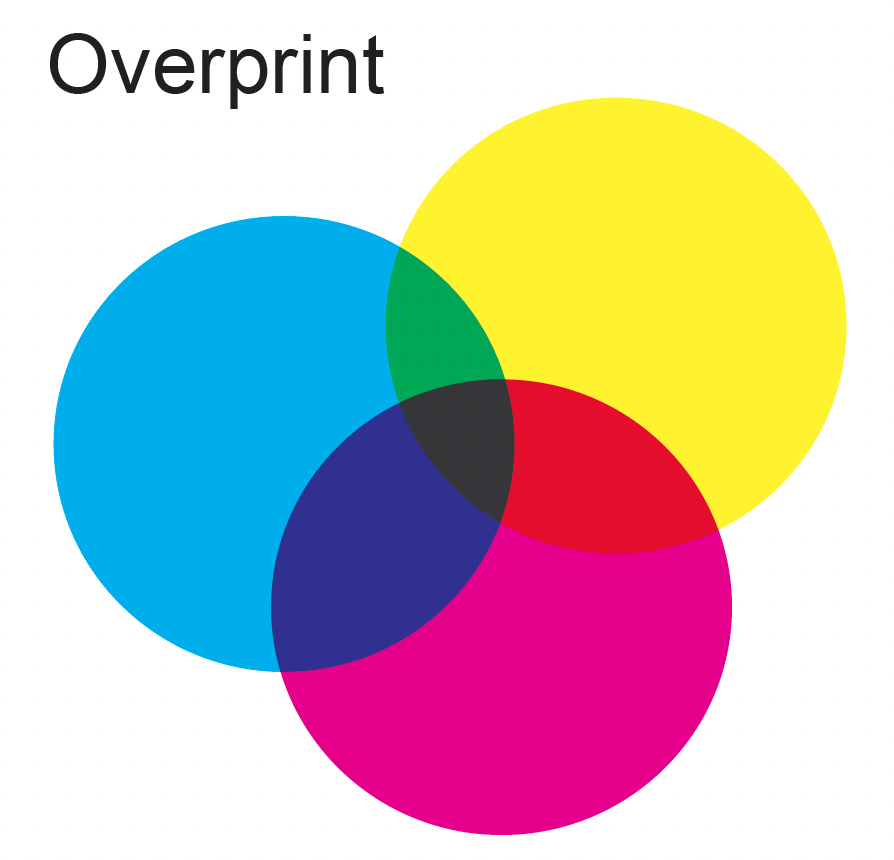
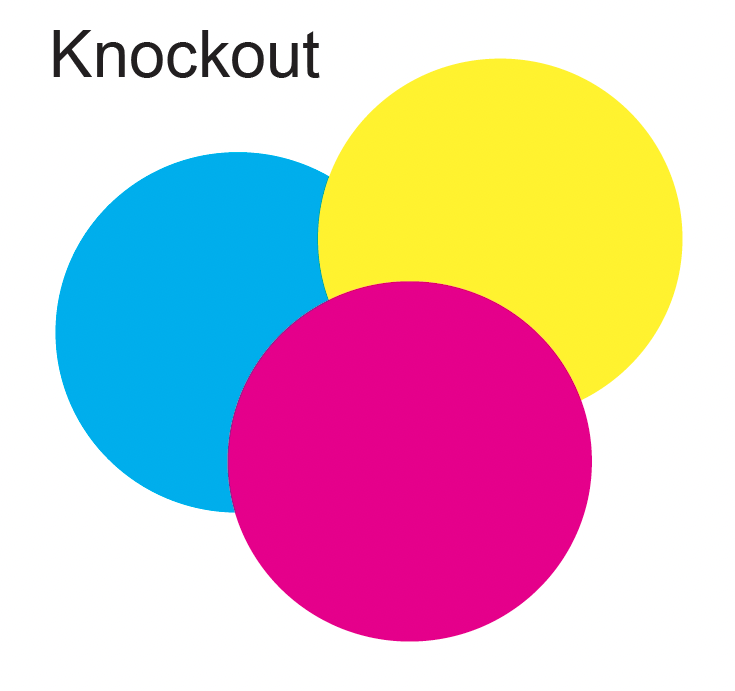
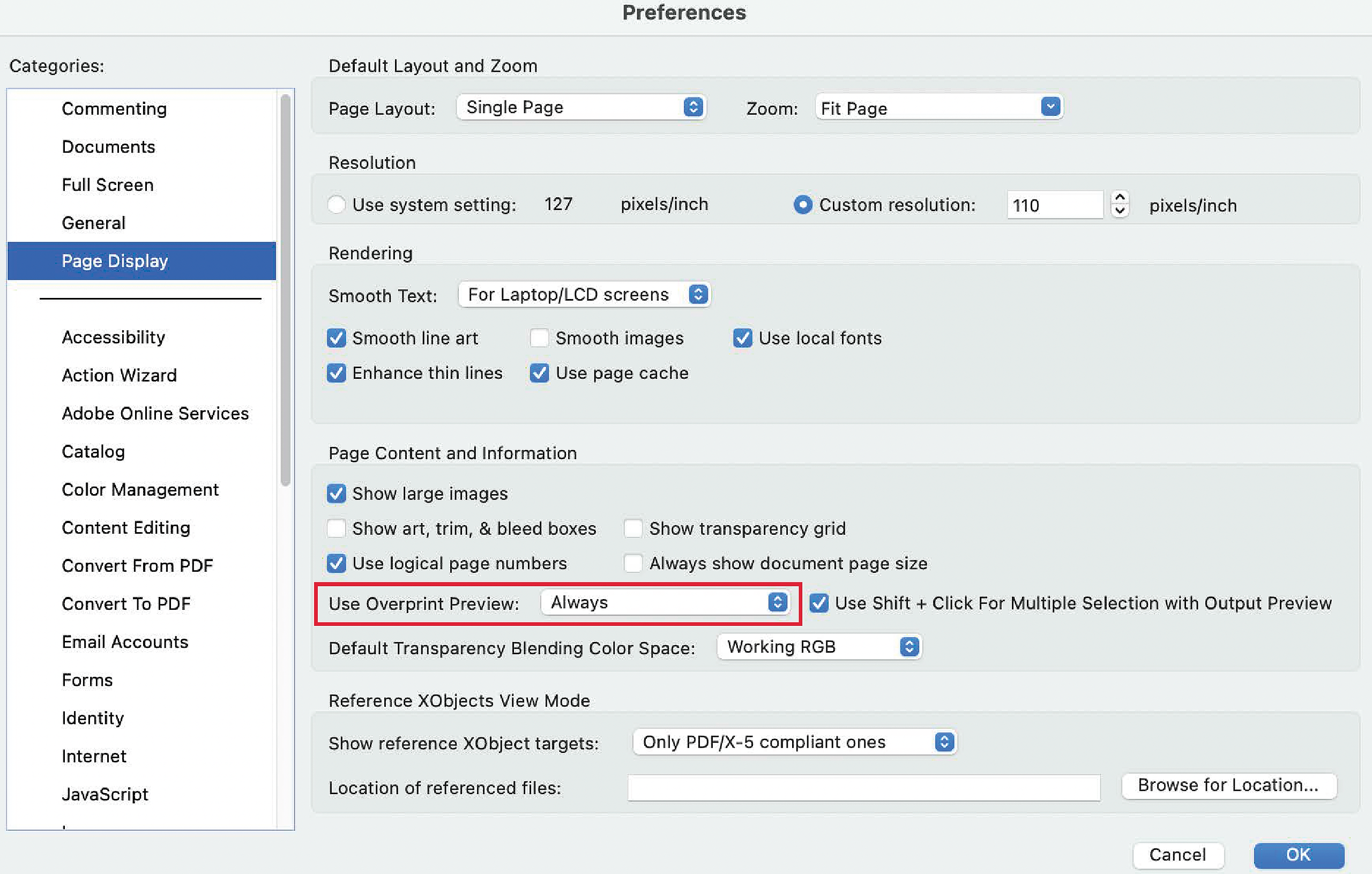
In Acrobat or Acrobat Reader, go to Edit menu and select Preferences>General>Page Display as shown below. Inside the Page Display window, find the "Use Overprint Preview:" setting and set it to Always. This setting will cause Acrobat to display overprints just as they will print.
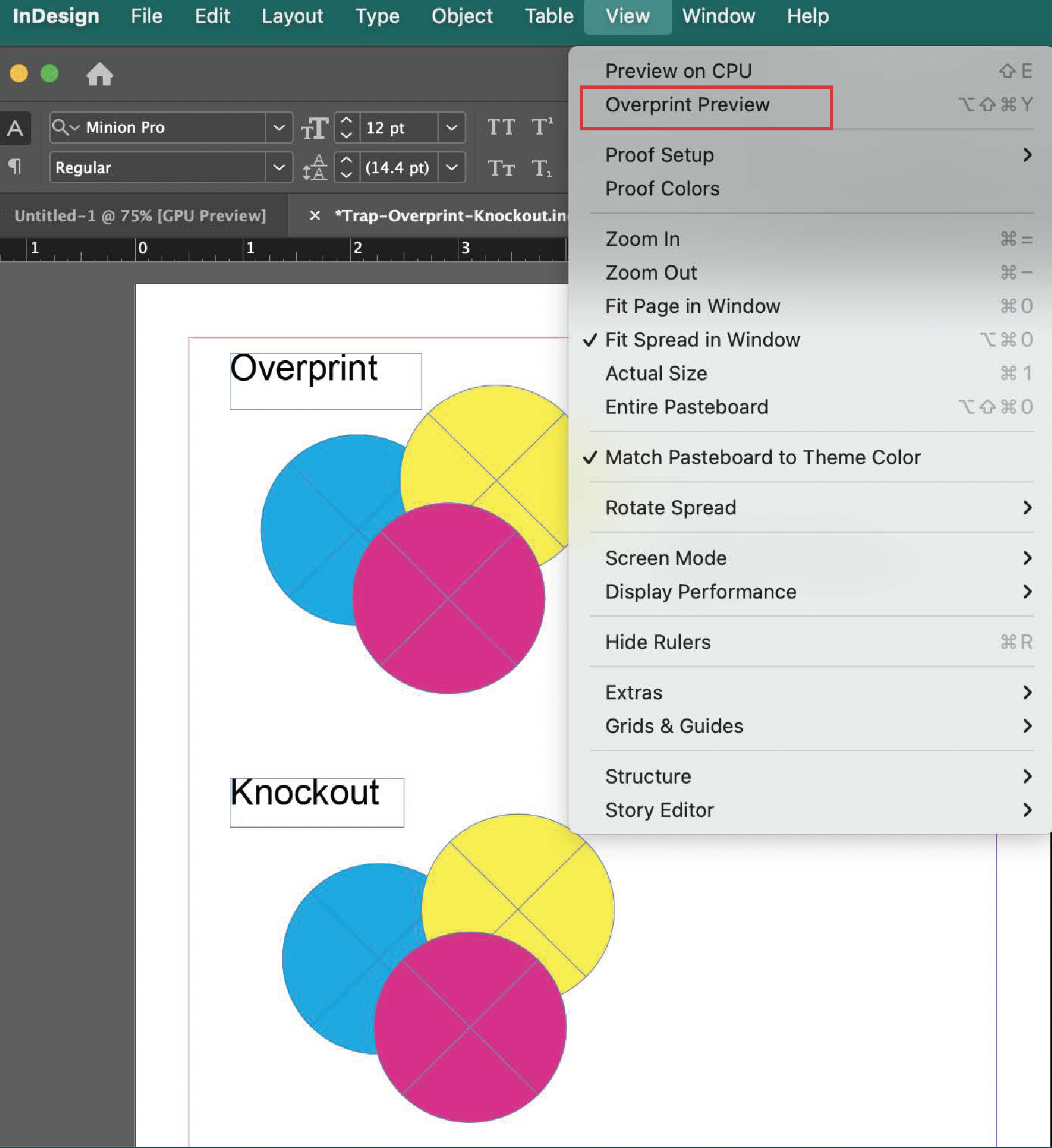
In InDesign, go to the View menu and select "Overprint Preview". Overprint Preview in InDesign will allow you to view the files how they will print.
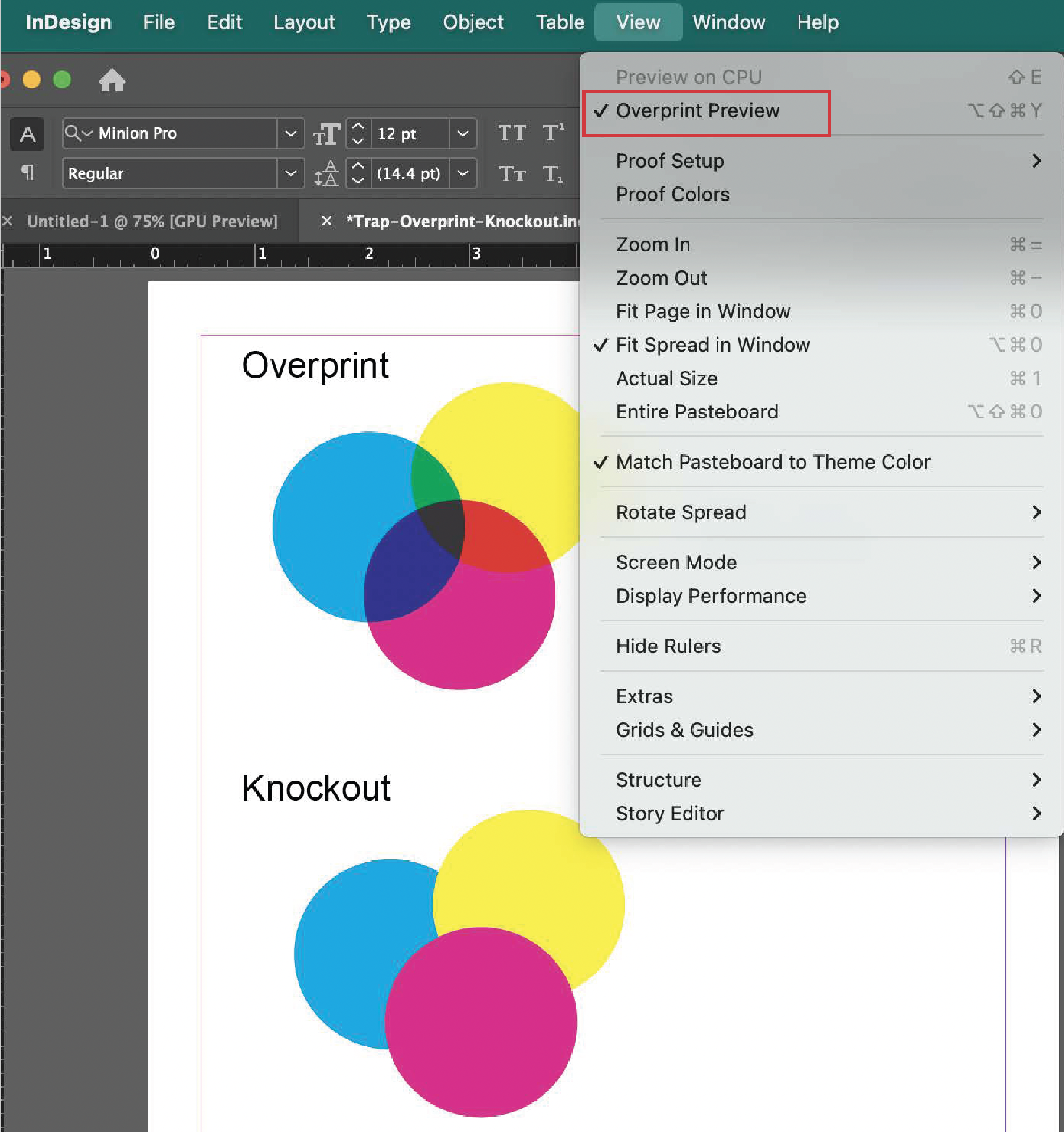
With Overprint Preview off, InDesign displays the overprints incorrectly.