

QR Codes in Printing
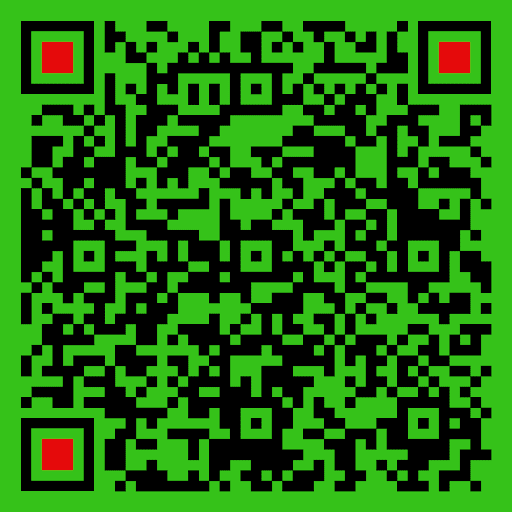
When used in printing, the reader points their cell phone camera at the printed QR Code. The QR Code reader on the phone converts it into an action on the phone, such as going to a website, adding a VCard (contact information), or creating an email.
How to Create a QR Code
There are many internet sites that can generate QR codes. These sites will instruct you on how to use their method to generate them. After you create one, you can place it in your print file before sending it to the printer.
QR Code Guidelines
The best practice for creating print-ready QR Codes is to make them at least 1.25 inches by 1.25 inches in size, and to avoid covering any part of it. Avoid creating a QR Code using RGB color. Test the QR Code you generate and place it in your files before sending it to the printer. We do not test your QR Codes before printing them.
QR Code is a trademark of Denso Wave, Inc.