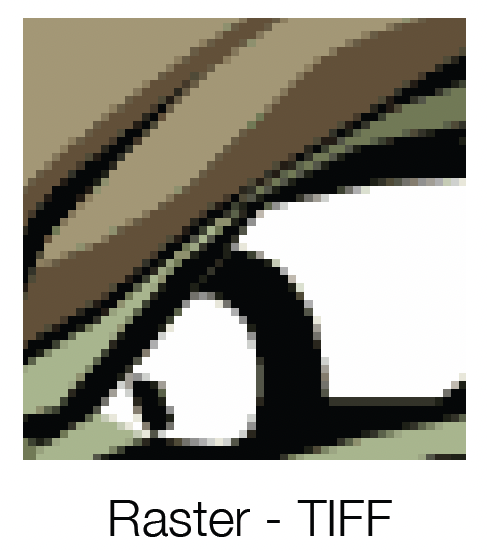
Raster Images
A raster image is made up of pixels which contain unique color and tonal information that come together to create the image. These images are usually produced from scanning or digitally photographing an object. Since raster images are pixel based, a greater density of pixels gives the image higher resolution and thus better image quality.
Scaling a raster image up to make it larger will decrease its quality. Ideally if you need to make a raster image larger, it should be done in an image editing program such as Photoshop.
For printing purposes, raster images should be at least 200 DPI for continuous tones and 600 DPI for line art.
Common raster file types used in printing are JPG, TIFF, BMP, and PSD.
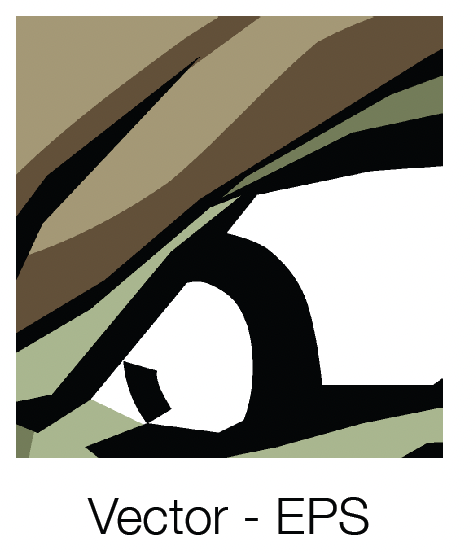
Vector Images
A vector image (graphic) is based on geometric descriptions. They are created with drawing applications such as Illustrator, Inkscape and CorelDRAW.
Vector images are infinitely scalable and remain smooth and crisp when scaled up or down.
Common vector file types used in printing are EPS, AI, and PDF.